
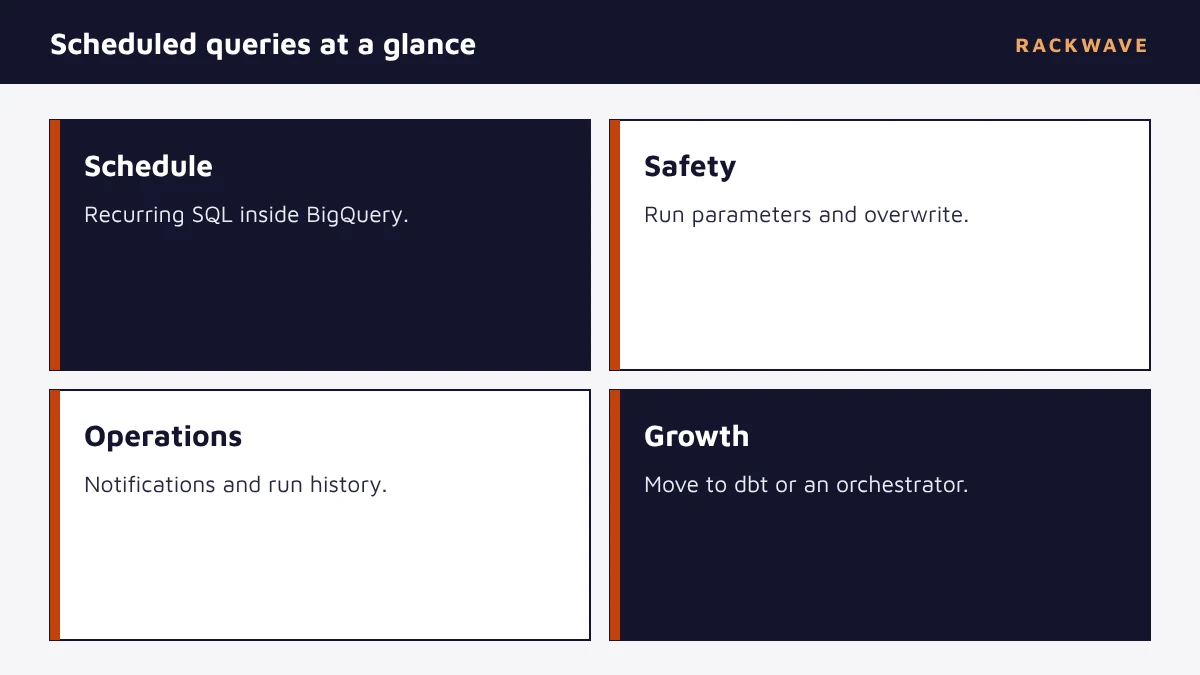
What are BigQuery scheduled queries? BigQuery scheduled queries run SQL statements automatically on a recurring schedule, writing results to tables, refreshing summaries or performing maintenance without any external orchestration tool. They are built on the BigQuery Data Transfer Service and support parameters for run time, destination tables with write modes, notifications and run history. They suit simple, SQL-only pipelines such as daily aggregations, snapshot tables and data clean-up. This guide explains how scheduled queries work, how to configure schedules, destinations and parameters, how to write idempotent queries, how to monitor and alert on failures, when to use dbt or an orchestrator instead, how to manage cost and permissions and the mistakes that cause duplicates or silent failures. Features and limits change, so confirm in current BigQuery documentation.
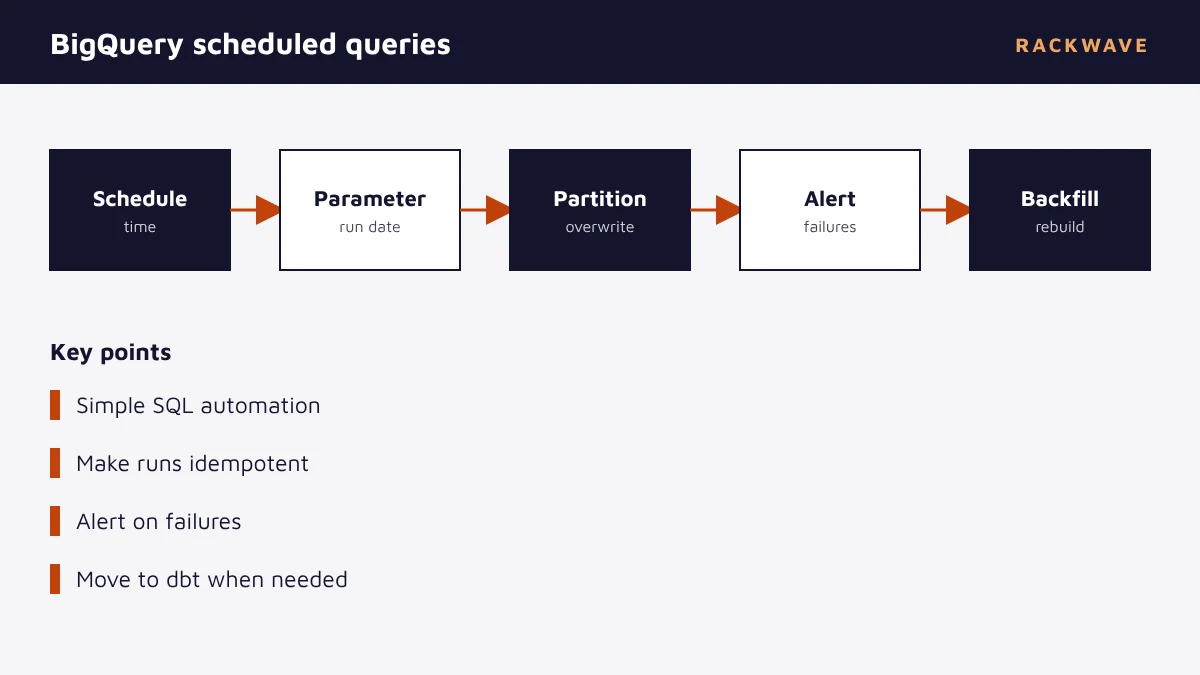
Short answer: Use scheduled queries for simple, independent SQL jobs on a time schedule. Make each run idempotent using parameters and partition writes, set notifications for failures and move to dbt or an orchestrator when you need dependencies, testing and version control.
What scheduled queries are good for
Many analytics tasks are just SQL that must run regularly: building a daily summary, refreshing a reporting table or archiving old data. Scheduled queries do this with no extra infrastructure, directly inside BigQuery. They are ideal for small teams and simple needs, and a useful starting point before a full pipeline exists. See what is BigQuery and data pipelines.
Key settings
| Setting | Purpose | Notes |
|---|---|---|
| Schedule | When and how often the query runs | Hourly, daily, weekly or custom |
| Destination table | Where results are written | Can use run-time parameters in the name |
| Write preference | Append, overwrite or write if empty | Choose to avoid duplicates |
| Parameters | Run date and time values inside SQL | Enable partition-aware, repeatable runs |
| Service account | Identity used to run the query | Use least privilege |
| Notifications | Email or message on failure | Essential for monitoring |
| Region | Location of the transfer and data | Must match dataset location |
Run history shows status and errors for each execution.
Writing reliable scheduled queries
- Define the output. Decide the destination table and grain.
- Use run parameters. Filter on the run date rather than the current time.
- Write to partitions. Overwrite the target partition so reruns are idempotent. See partitioning.
- Handle late data. Reprocess a short trailing window if needed.
- Set notifications. Alert owners on failure.
- Test and backfill. Run for past dates to confirm results.
Idempotency and backfills
A run is idempotent if running it twice produces the same result. This protects against retries and manual reruns. Use the run date parameter, write to a date partition with overwrite and avoid appending without a key. For backfills, the console and tools can run the query for past dates, so data can be rebuilt without code changes.
- Filter on the run date parameter.
- Overwrite partitions rather than append.
- Backfill with the same query.
- Document the expected grain and keys.
When to move to dbt or an orchestrator
| Need | Scheduled queries | dbt or orchestrator |
|---|---|---|
| Single independent SQL job | Good fit | More than needed |
| Dependencies between jobs | Limited, use time gaps | Dependency graph |
| Version control and review | Manual unless managed as code | Native in Git. See dbt |
| Testing and documentation | Not built in | Built in |
| Complex logic and many steps | Hard to maintain | Better structure |
| Cross-system workflows | Not suited | Designed for it |
A common path is to start with scheduled queries and graduate as complexity grows.
Monitoring and alerting
- Watch run history for failures and unusually long runs.
- Send failure notifications to a team channel, not one person.
- Add data checks, such as row counts and freshness, after critical queries.
- Track cost per scheduled query using labels and job metadata.
- Review the list of schedules quarterly and remove unused ones.
- Document the owner and purpose of every scheduled query.
Permissions and security
Scheduled queries run as a user or service account, which needs permission to read source tables and write destinations. Prefer dedicated service accounts with minimal rights. Keep schedules in controlled projects, review who can create or edit them and avoid embedding secrets in SQL. See access control.
Data quality checks around scheduled queries
A scheduled query that succeeds can still produce wrong data. Add simple checks after each critical job: row counts within an expected range, no null keys, freshness of the newest record and totals that reconcile with the source. Fail loudly when a check breaks, and send the message to the team that owns the table.
Where checks multiply, that is a sign the work belongs in a framework such as dbt, which includes tests and documentation as part of the build. See dbt tests.
- Row count ranges.
- Null key checks.
- Freshness checks.
- Reconcile totals with the source.
Dependencies without an orchestrator
Scheduled queries have no native dependency graph, so teams sometimes chain jobs by leaving gaps between run times. This is fragile, because a slow upstream job leads to downstream jobs reading incomplete data. Reduce the risk by writing downstream queries to check that the upstream partition exists and is complete, and by keeping chains short. If chains grow beyond two or three steps, move them into an orchestrator or dbt.
Common mistakes
- Appending on every run without a key, creating duplicates.
- Using the current time instead of the run parameter, breaking backfills.
- No failure notifications.
- Chaining jobs by guessing run times.
- Leaving unused schedules running and costing money.
- Running as a personal account that later loses access.
A worked example
A marketing analyst built a daily campaign summary with a scheduled query that read yesterday partition using the run date parameter and overwrote the matching partition in a reporting table. A notification went to the team channel on failure.
Reruns and backfills were safe, the dashboard always had fresh data and the team later moved the logic into a dbt model when more steps were added. The example is illustrative.
Best practices and support
- Keep queries short and focused.
- Store SQL in version control.
- Use service accounts and labels.
- Review schedules and costs regularly.
Our data warehousing service and data analytics service build reliable BigQuery pipelines.
Related guides
Read materialized views, cost control, ETL and incremental models for related topics.
Scheduled query checklist
| Item | Done when |
|---|---|
| Output | Destination and grain defined |
| Idempotency | Run parameter and partition overwrite |
| Alerts | Failures notify a team |
| Identity | Dedicated service account |
| Cost | Labelled and reviewed |
| Ownership | Owner and purpose documented |
Managing schedules as code
Schedules created in a console are easy to lose track of. Where possible, define scheduled queries with infrastructure-as-code or deployment scripts, store SQL in Git and review changes in pull requests. This gives audit trails, easy recreation in other environments and consistency between development and production.
- Store SQL in Git.
- Deploy schedules from code.
- Review changes like application code.
- Keep separate dev and production schedules.
Cost and performance of scheduled jobs
Scheduled queries consume the same resources as any query. Partition-aware filters, column selection and incremental logic keep them cheap, while running everything at the same minute can create contention. Stagger start times, and move heavy jobs off-peak or to a dedicated reservation if they affect users.
Key takeaways
- Scheduled queries automate SQL jobs.
- Use run parameters and partition overwrite.
- Set failure notifications.
- Backfill with the same query.
- Graduate to dbt as complexity grows.
Quick glossary
| Term | Meaning |
|---|---|
| Scheduled query | SQL run on a schedule |
| Run parameter | Run time value in SQL |
| Idempotent | Same result on rerun |
| Backfill | Run for past dates |
| Service account | Non-human identity for jobs |
Read next: BigQuery vs Snowflake: Which Cloud Data Platform? · BigQuery Streaming Inserts: Real-Time Ingestion Guide · BigQuery Access Control: IAM, Policy Tags and Row Security
Frequently asked questions
What are BigQuery scheduled queries?
SQL statements that run automatically on a schedule and write results to tables or perform maintenance.
How do I avoid duplicates?
Use the run date parameter and overwrite the target partition instead of appending blindly.
Can I backfill past dates?
Yes. You can run a scheduled query for past dates to rebuild data.
How do I get alerts on failure?
Configure notifications on the schedule and send them to a shared channel.
Which identity runs the query?
A user or a service account, which should have only the permissions it needs.
When should I use dbt instead?
When you need dependencies, tests, documentation and version-controlled models across many jobs.
Do scheduled queries cost extra?
The queries use normal BigQuery compute and storage, billed like any other query.
How do I manage many schedules?
Store SQL in Git, deploy schedules from code and review them regularly.