
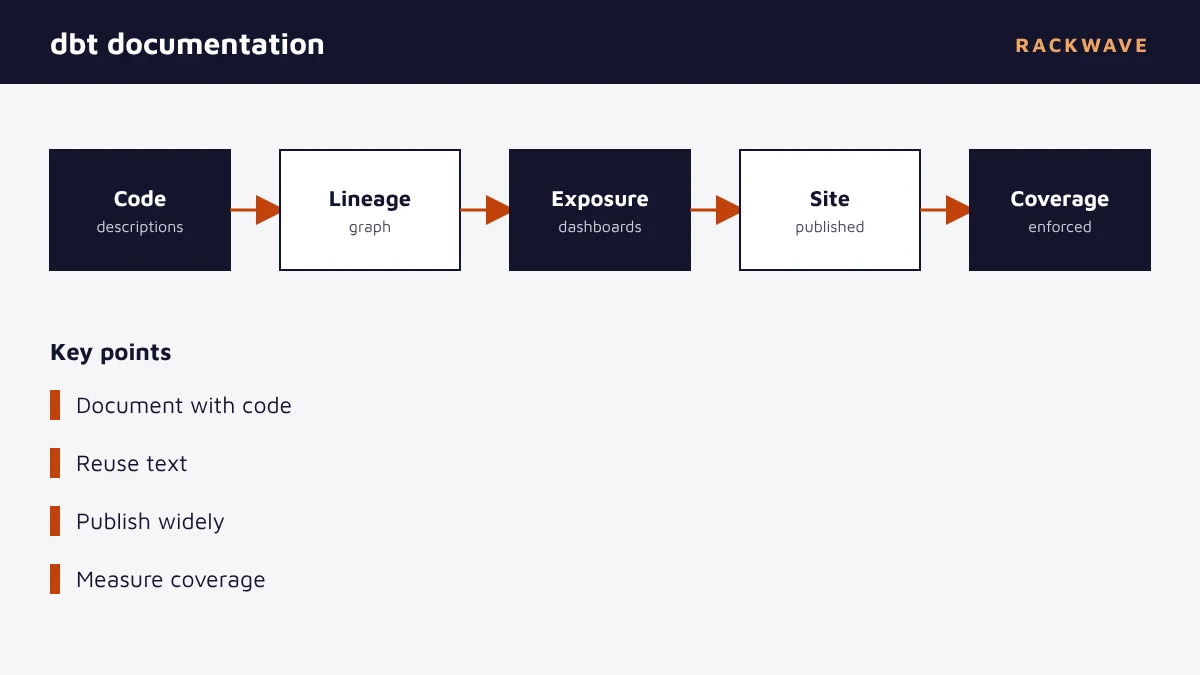
What is dbt documentation? dbt documentation is generated from your project: descriptions you write next to models, sources and columns are combined with the lineage graph and metadata from the warehouse into a browsable site. It answers the questions analysts ask every day, such as what a table means, where a number comes from and who owns it. Because documentation sits beside the code and is reviewed in the same pull request, it stays far more accurate than a separate wiki. This guide explains what to document, how to write descriptions with YAML and doc blocks, how to use lineage and exposures, how to publish and maintain the site, how to measure coverage and the mistakes that produce stale or useless documentation. Details vary by version and platform, so confirm in current dbt documentation.
Short answer: Write a description for every mart model and key column, document the grain and owner, use doc blocks for shared text, publish the generated site for everyone and enforce coverage in pull requests.
Why documentation matters for data teams
Without documentation, knowledge lives in people. New analysts guess at meaning, similar metrics are rebuilt with subtle differences and nobody is sure which tables are trusted. Good documentation builds trust, speeds onboarding and prevents duplicate work. See data catalogs and data governance.
What to document
| Item | What to write | Why it helps |
|---|---|---|
| Models | Purpose, grain, owner and refresh pattern | Users know when and how to use the table |
| Columns | Plain-language meaning and units | Avoids misreading values |
| Metrics and definitions | Exact business rules | Keeps numbers consistent |
| Sources | System, owner and loading route | Shows where data begins |
| Exposures | Dashboards and apps that use models | Shows downstream impact |
| Tests | Reason for key checks | Explains expectations |
Prioritise marts and shared models first. Staging detail matters less to business users.
How dbt documentation is built
- Write descriptions. Add them in YAML files next to the models.
- Use doc blocks. Define reusable text in markdown files and reference it.
- Add metadata. Include owners, tags and meta properties.
- Generate the site. Run the docs generate command to build the catalog.
- Publish. Host the site or use the platform documentation hosting.
- Review in pull requests. Require documentation changes with model changes.
Lineage and exposures
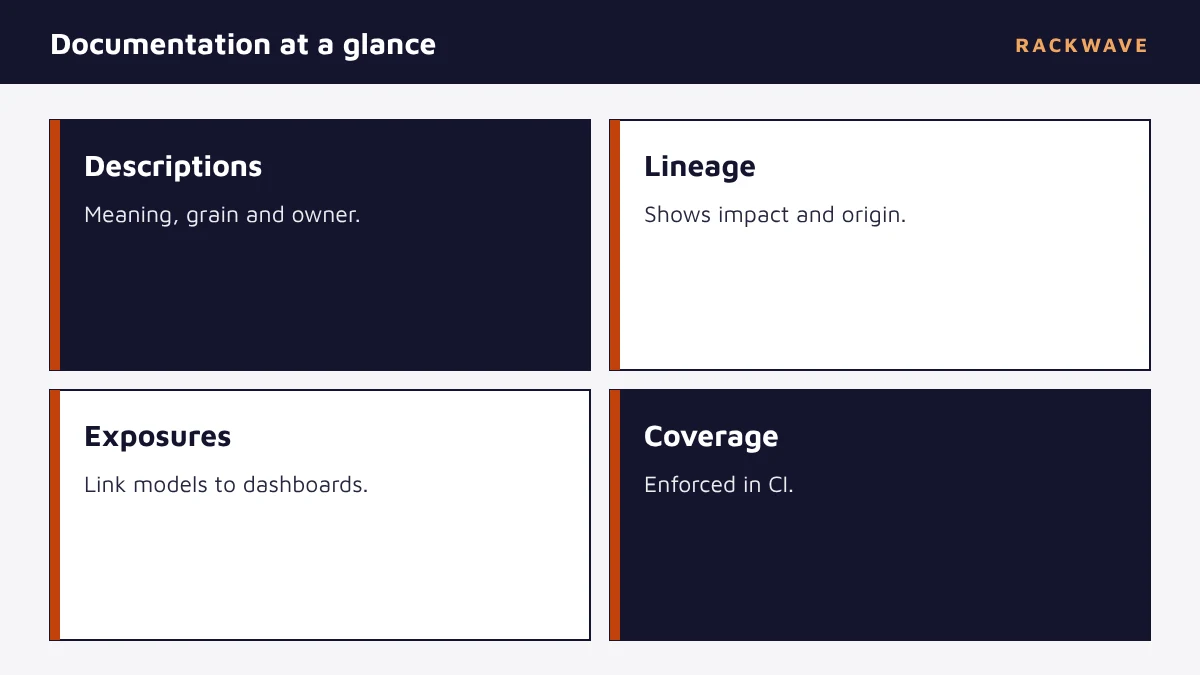
The generated site shows a lineage graph from sources through models to dashboards. Use it to understand the impact of a change, trace the origin of a metric and find unused models. Exposures declare the dashboards, applications and reports that depend on your models, so a change to a model shows exactly which users will feel it. See data lineage.
- Explore lineage before changing a model.
- Declare exposures for key dashboards.
- Include owners on exposures.
- Use lineage to find and retire unused models.
Writing useful descriptions
- State what one row represents, not just the table name.
- Explain business meaning and units, such as currency and time zone.
- Mention known caveats, such as excluded test accounts.
- Link to metric definitions or policies.
- Keep sentences short and avoid internal jargon.
- Update the text whenever logic changes.
Reusing text with doc blocks
Many columns, such as customer id or created date, appear in several models. Define their descriptions once in a doc block and reference them wherever needed, so a correction in one place updates every model. Keep doc blocks in clearly named markdown files and review them like code.
- One doc block per shared concept.
- Reference blocks in YAML.
- Name files by domain.
- Review changes carefully, as they affect many models.
Publishing and keeping it current
Documentation is only useful if people can find it. Publish the site where analysts work, link to it from dashboards and the data portal and rebuild it automatically after every production run. Add a short ownership and change-request process, so users can report gaps and owners know when to update text.
Ownership and review of documentation
Documentation needs an owner just like code. Name a responsible team for each mart in the model metadata, and route questions and change requests to that team. Schedule a short quarterly review in which owners confirm that descriptions still match the logic, remove text for retired models and update caveats.
Include documentation in code review checklists. A reviewer should ask whether the grain, meaning of new columns and known limits are described. Reviewing text alongside SQL keeps both aligned and builds a habit that scales as the project grows.
- Name an owner per mart.
- Review documentation quarterly.
- Add documentation to review checklists.
- Remove text for retired models.
Documentation for different audiences
Analysts need grain and column meaning, engineers need lineage and testing details and business users need plain definitions and trust signals such as freshness and certification. Layer your documentation accordingly: short business descriptions at the top, technical notes lower down and links to deeper material. Tag certified models so users can tell trusted tables from experiments.
Where a data catalog exists, synchronise dbt metadata into it, so one search covers every asset. Avoid duplicating descriptions by hand, and treat the dbt project as the source of truth for transformed data.
- Business summary first, technical notes below.
- Tag certified models.
- Sync metadata into the catalog.
- Keep the project as the source of truth.
Common mistakes
- Documenting only after the project is finished.
- Repeating column names instead of explaining meaning.
- No owners, so nobody updates descriptions.
- Keeping a separate wiki that drifts from the code.
- Not publishing the site for business users.
- Ignoring coverage metrics.
A worked example
A team required a description, grain and owner for every mart and a description for every key column, enforced by a coverage check in continuous integration. Shared definitions lived in doc blocks, and the generated site was published to the company portal.
Support questions about metrics dropped, new analysts became productive faster and a lineage view helped retire a dozen unused models. The example is illustrative.
Best practices and support
- Make documentation part of the definition of done.
- Measure coverage and quality.
- Assign owners to every mart.
- Link documentation to business glossaries.
Our data governance service and data analytics service help teams build trusted, documented data products.
Related guides
Read dbt models, project structure, dbt tests and data products for related topics.
Documentation checklist
| Item | Done when |
|---|---|
| Marts | Description, grain and owner |
| Columns | Key columns explained |
| Doc blocks | Shared text reused |
| Exposures | Key dashboards declared |
| Site | Published and rebuilt automatically |
| Coverage | Measured in CI |
Measuring documentation coverage
Track the share of models and key columns that have descriptions, the share of marts with owners and the age of the last update. Use a check in continuous integration to block changes that remove documentation or add undocumented marts. Treat coverage as a floor, and review quality by sampling descriptions with users.
- Coverage by layer.
- Owners per mart.
- Last-updated age.
- User feedback on clarity.
Connecting documentation to a business glossary
Technical documentation answers how a table is built, while a glossary answers what a term means to the business. Link the two, so a column description points to the approved definition of a metric. This prevents the same word, such as active customer, from meaning different things in different reports. See data quality.
Key takeaways
- Docs are generated from code.
- Document marts and key columns first.
- Use doc blocks for shared text.
- Publish the site for everyone.
- Enforce coverage in pull requests.
Quick glossary
| Term | Meaning |
|---|---|
| Doc block | Reusable documentation text |
| Exposure | Declared downstream use of a model |
| Lineage graph | Visual dependency map |
| Grain | What one row represents |
| Coverage | Share of items documented |
Read next: BigQuery vs Snowflake: Which Cloud Data Platform? · BigQuery Streaming Inserts: Real-Time Ingestion Guide · BigQuery Access Control: IAM, Policy Tags and Row Security
Frequently asked questions
What is dbt documentation?
A browsable site generated from your project, combining descriptions, lineage and warehouse metadata.
Where do I write descriptions?
In YAML files next to models, sources and columns, or in reusable doc blocks.
What are doc blocks?
Reusable markdown text referenced from several descriptions.
What are exposures?
Declarations of dashboards and applications that depend on your models.
How do I publish documentation?
Generate the site and host it, or use the documentation hosting of a dbt platform.
How do I keep it current?
Require documentation changes in the same pull request as model changes.
What should I document first?
Mart models, their grain and owner, and the key columns users rely on.
How do I measure coverage?
Track described models and columns and enforce a minimum in continuous integration.