
What is the difference between dbt Cloud and dbt Core? dbt Core is the free, open-source command-line tool that compiles and runs dbt projects, while dbt Cloud is the hosted platform from dbt Labs that wraps the same engine with a development environment, job scheduling, continuous integration, documentation hosting, access control and other managed features. Both run the same models, tests and macros, so the choice is about operations, cost and team needs rather than capability of the transformation language. This guide compares them across development, scheduling, collaboration, security, cost and migration, explains when each fits, describes how teams run Core with their own tools and covers the mistakes that lead to expensive switches. Pricing and features change, so confirm details with dbt Labs before deciding.
Short answer: Choose dbt Core if you have engineering capacity, want control and are happy to build scheduling and CI yourself. Choose dbt Cloud if you want a managed environment that lets analysts work quickly with less operational effort. Many teams start with Core and move later, since projects are portable.
What stays the same in both
The project is identical: models, sources, tests, snapshots, macros and documentation are plain files in Git. Both use adapters to connect to the same warehouses, so moving between them does not require rewriting transformation logic. See getting started with dbt and project structure.
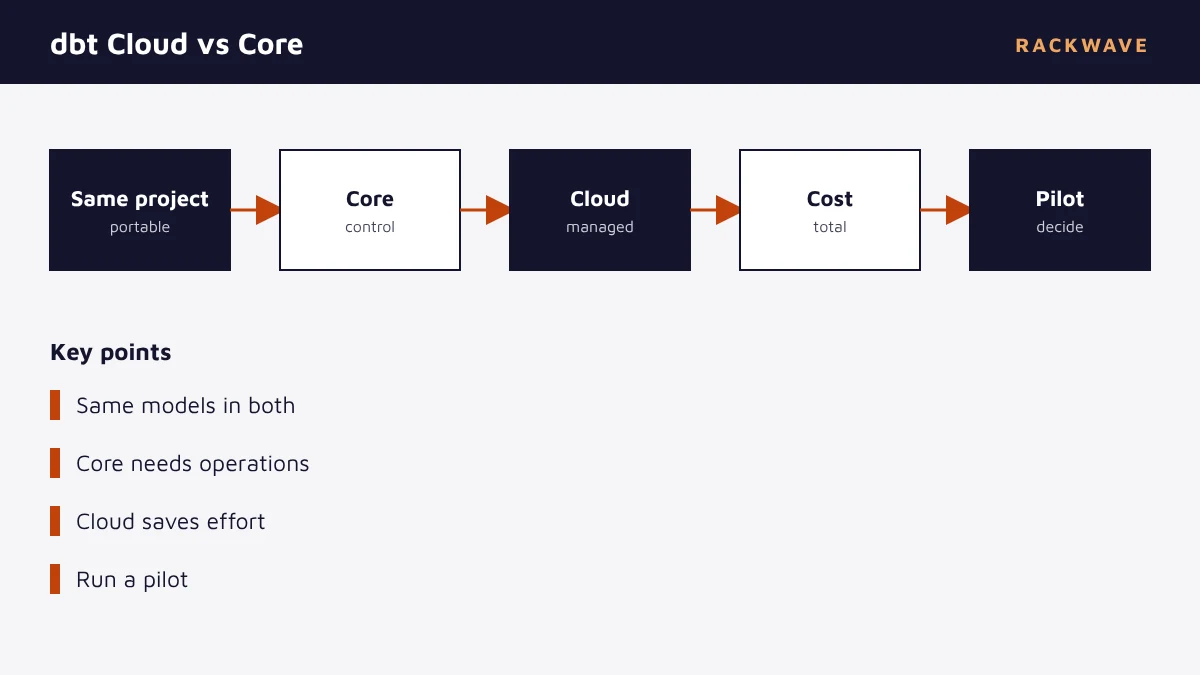
Feature comparison
| Area | dbt Core | dbt Cloud |
|---|---|---|
| Cost | Free software, you pay for infrastructure and effort | Subscription, with plans by team size and features |
| Development | Your editor and terminal | Browser-based IDE and command-line options |
| Scheduling | Build with an orchestrator or scheduler | Built-in job scheduler and triggers |
| Continuous integration | Set up in your CI tool | Managed CI jobs on pull requests |
| Documentation hosting | Host the generated site yourself | Hosted documentation site |
| Access control and SSO | Not included, rely on your platform | Included on suitable plans |
| Semantic and discovery features | Limited or external | Available on supported plans |
| Support | Community | Vendor support on paid plans |
Check current plans, as features and limits change over time.
Running dbt Core yourself
| Need | Typical solution |
|---|---|
| Scheduling | An orchestrator such as a workflow scheduler or a CI schedule |
| Environments | Separate targets and credentials per environment |
| Continuous integration | Pipeline that builds changed models and runs tests |
| Documentation | Static site hosted on internal storage |
| Secrets | Secret manager with injected environment variables |
| Monitoring | Alerts on failed runs and slow models |
This gives full control and low software cost, but someone must build and maintain it. See DevOps and data pipelines.

How to choose
- List your team. Count analysts, engineers and who will own operations.
- Assess skills. Decide whether people are comfortable with terminals, Git and pipelines.
- Map requirements. Security, SSO, audit and support needs.
- Estimate total cost. Compare subscription with engineering time and infrastructure.
- Run a pilot. Try both on one project for a few weeks.
- Decide and review. Revisit the choice yearly as the team grows.
When Core fits best
- Strong engineering team that already runs orchestration and CI.
- Strict control over infrastructure and data residency.
- Tight budgets where engineer time is available.
- Existing platform for scheduling and monitoring that dbt can join.
- Need to embed dbt inside a wider custom workflow.
- Open-source preference or vendor independence.
When Cloud fits best
- Analyst-heavy teams who want a browser-based development experience.
- Limited engineering capacity for building and running pipelines.
- Need for quick onboarding and managed CI and scheduling.
- Requirement for built-in access control, audit and support.
- Desire to reduce operational risk and maintenance.
- Interest in hosted documentation and discovery features.
Migrating between them
Because the project is just files in Git, moving is mostly about connections, environments, jobs and secrets. Recreate schedules and CI in the target, run both in parallel for a period and compare outputs. Moving from Core to Cloud is usually quick, while moving the other way requires you to build the surrounding tooling. Plan the move as a small project with an owner and a rollback.
- Move connections and secrets first.
- Rebuild jobs and CI.
- Run both in parallel and compare.
- Keep a rollback path.
Team workflow differences
Day to day, the experience differs. In Core, developers use their own editor, run commands in a terminal and rely on pull requests and CI pipelines for checks. Analysts who are less comfortable with these tools may need training and support. In a hosted platform, development, running and reviewing results can happen in the browser, with managed jobs and notifications.
Whichever option you choose, standardise the workflow: how branches are named, how pull requests are reviewed and how changes are promoted to production. A consistent workflow matters more than the tool, and keeps the project healthy as the team grows.
- Train analysts on Git and the chosen tools.
- Standardise branching and review.
- Document promotion to production.
Common mistakes
- Comparing only the subscription price and ignoring engineering time.
- Choosing Core without anyone to own operations.
- Choosing Cloud while ignoring security and data-sharing requirements.
- Locking the project to platform-specific features without a fallback.
- Skipping a pilot.
- Never revisiting the decision as the team changes.
A worked example
A startup with two analysts and one engineer chose a managed platform, because nobody had time to build scheduling and CI. Three years later, with a larger platform team, they moved heavy workflows to their own orchestrator and kept hosted development for analysts.
Because the project was portable, the change took weeks rather than months and did not alter any model logic. The example is illustrative.
Best practices and support
- Keep the project portable and free of platform-specific hacks.
- Document how jobs run in either option.
- Measure the cost of operating your chosen setup.
- Review the decision as needs change.
Our data analytics service and data warehousing service help teams choose and operate the right dbt setup.
Related guides
Read dbt models, dbt tests, data engineering and Snowflake vs Databricks for related topics.
Decision checklist
| Question | Points to |
|---|---|
| Do we have engineers to run pipelines? | Yes suggests Core, no suggests Cloud |
| Do analysts need a browser IDE? | Cloud |
| Strict infrastructure control needed? | Core |
| Need built-in SSO and support? | Cloud |
| Budget for subscription? | Cloud if yes |
| Open-source preference? | Core |
Security and compliance considerations
Check where code runs, where credentials are stored, how access is controlled and what audit logs exist. Core inside your own network keeps everything in your environment, while a hosted platform requires confirming data handling, regions, certifications and connectivity options with the vendor. Whichever you pick, store secrets in a manager, restrict warehouse permissions and log administrative actions. See data governance.
- Confirm where code and credentials live.
- Check certifications and regions.
- Use least-privilege warehouse roles.
- Log administrative actions.
Total cost of ownership
Estimate cost over a year, including subscription, infrastructure, engineer time to build and maintain tooling, onboarding effort and the cost of incidents. Teams often find that free software becomes expensive when engineer hours are counted, while hosted plans become expensive at large seat counts. Re-run the estimate when the team size changes.
Key takeaways
- Both run the same dbt projects.
- Core is free but needs operations.
- Cloud adds managed features.
- Compare total cost, not just price.
- Projects are portable.
Quick glossary
| Term | Meaning |
|---|---|
| dbt Core | Open-source command-line tool |
| dbt Cloud | Hosted dbt platform |
| Orchestrator | Tool that schedules workflows |
| CI | Automated checks on changes |
| Total cost of ownership | Full cost including effort |
Read next: BigQuery vs Snowflake: Which Cloud Data Platform? · BigQuery Streaming Inserts: Real-Time Ingestion Guide · BigQuery Access Control: IAM, Policy Tags and Row Security
Frequently asked questions
What is the difference between dbt Core and dbt Cloud?
Core is the free open-source command-line tool, and Cloud is a hosted platform that adds an IDE, scheduling, CI and more.
Do they run the same projects?
Yes. Models, tests and macros are identical, so projects are portable between them.
Is dbt Core free?
The software is free and open source, but you pay for infrastructure and engineering effort to run it.
Can I schedule dbt Core?
Yes, with an orchestrator, a CI schedule or another scheduler you operate.
Which is better for analysts?
A hosted browser IDE often suits analysts who prefer not to manage terminals and tooling.
Can I move from Core to Cloud later?
Yes. It is mostly a matter of recreating connections, jobs and secrets.
Does Cloud include SSO and access control?
Suitable plans include them, but check current plan details with dbt Labs.
How do I decide?
Compare team skills, security needs and total cost, and run a short pilot of both.